개발 환경 세팅
플러터 설치 (macOS 기준)
(1) 터미널로 설치하는 방법
1. 터미널 앱에서 다음 명령어로 플러터 sdk 설치 (brew는 이미 설치 완료 가정)
brew install --cask flutter
2. flutter 명령어 사용을 위한 PATH 추가 (.zshrc 파일에 sdk가 설치된 경로를 등록)
- 수동으로 설정한 디렉토리에 다운로드 했다면 "which flutter" 명령어로 sdk 설치된 경로 확인 가능
echo 'export PATH="/opt/homebrew/bin:$PATH"' >> ~/.zshrc
source ~/.zshrc
3. 설치 확인
flutter --version
4. 적용 확인
flutter doctorDoctor summary (to see all details, run flutter doctor -v):
[✓] Flutter (Channel stable, 3.41.1, on macOS 15.7.3 24G419 darwin-arm64, locale ko-KR)
[✗] Android toolchain - develop for Android devices
✗ Unable to locate Android SDK. Install Android Studio from: https://developer.android.com/studio/index.html On first launch it will assist you in installing the Android SDK components. (or visit https://flutter.dev/to/macos-android-setup for detailed instructions). If the Android SDK has been installed to a custom location, please use flutter config --android-sdk to update to that location.
[✗] Xcode - develop for iOS and macOS (Xcode 26.2)
✗ Unable to get list of installed Simulator runtimes.
✗ CocoaPods not installed. CocoaPods is a package manager for iOS or macOS platform code.
Without CocoaPods, plugins will not work on iOS or macOS. For more info, see https://flutter.dev/to/platform-plugins For installation instructions, see https://guides.cocoapods.org/using/getting-started.html#installation
[✓] Chrome - develop for the web
[✓] Connected device (1 available)
[✓] Network resources
위와 같은 결과 나오면 설치 완료
(2) VS Code에서 설치하는 방법
1. VS Code 마켓플레이스에서 Flutter 확장 프로그램 설치

2. VS Code화면 우측 하단에 뜨는 Dart extension, flutter SDK 플러그인 설치를 물어보는 두 개 알림에 install을, 환경변수 PATH 추가를 물어보는 알림에 ok를 클릭
3. 설치 확인
flutter --version
4. 적용 확인
flutter doctorDoctor summary (to see all details, run flutter doctor -v):
[✓] Flutter (Channel stable, 3.41.1, on macOS 15.7.3 24G419 darwin-arm64, locale ko-KR)
[✗] Android toolchain - develop for Android devices
✗ Unable to locate Android SDK. Install Android Studio from: https://developer.android.com/studio/index.html On first launch it will assist you in installing the Android SDK components. (or visit https://flutter.dev/to/macos-android-setup for detailed instructions). If the Android SDK has been installed to a custom location, please use flutter config --android-sdk to update to that location.
[✗] Xcode - develop for iOS and macOS (Xcode 26.2)
✗ Unable to get list of installed Simulator runtimes.
✗ CocoaPods not installed. CocoaPods is a package manager for iOS or macOS platform code.
Without CocoaPods, plugins will not work on iOS or macOS. For more info, see https://flutter.dev/to/platform-plugins For installation instructions, see https://guides.cocoapods.org/using/getting-started.html#installation
[✓] Chrome - develop for the web
[✓] Connected device (1 available)
[✓] Network resources
위와 같은 결과 나오면 설치 완료
flutter not found 문제
.zshrc에 PATH 추가 완료 후 flutter --version 입력 시 flutter not found가 뜨는 상황이 자주 발생한다. 특히 맥 기본 터미널에서는 flutter 명령어 사용이 되는데 VS Code 내장 터미널에서 flutter 명령어를 못 찾는 상황(또는 그 반대)이 발생할 수 있다. 이는 zsh가 로그인 셸로 실행될 때는 .zprofile만 읽고, 인터랙티브 셸로 실행될 때는 .zshrc만 읽는 구조로 되어있기 때문이다.
macOS는 기본적으로 zsh 생성시 두 설정을 모두 불러오도록 처리해주지만 가끔 특정 동작 이후에 이 로직이 꼬여 다른 셸로 착각하고 .zprofile과 .zshrc 두 설정 중 하나만 읽고 끝내버리는 경우가 생긴다.
open -e ~/.zprofile
echo '[[ -f ~/.zshrc ]] && source ~/.zshrc' >> ~/.zprofile
source ~/.zprofile
새 터미널 열어서 flutter --version 잘 나오는지 확인
Xcode 설치
1. 앱스토어에서 Xcode 설치
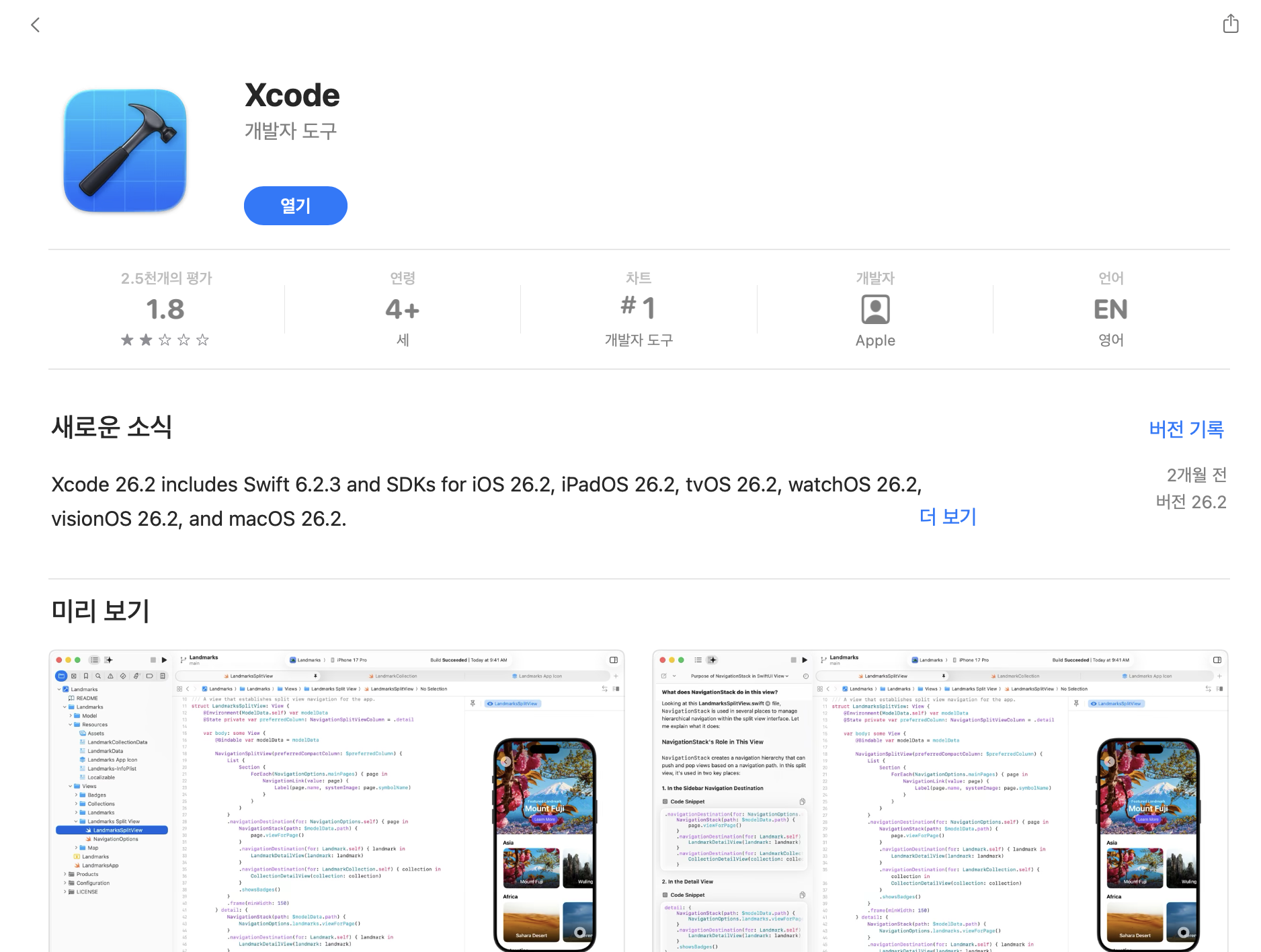
2. 설치 후 터미널에 Xcode의 기본 버전 세팅, 권한 허용, 추가 컴포넌트 설치 등을 진행하는 명령어 입력
sudo xcode-select --switch /Applications/Xcode.app/Contents/Developer
sudo xcodebuild -runFirstLaunch
3. 라이선스 동의
8.7 Entire Agreement; Governing Language This Agreement constitutes the entire agreement between the parties with respect to the use of the Apple Software and Apple Services licensed hereunder and supersedes all prior understandings regarding such subject matter. Notwithstanding the foregoing, to the extent that You have entered into the Apple Developer Program License Agreement (DPLA) with Apple and are validly licensed by Apple to exercise additional rights, or to use additional features or functionality of the Apple Software or Apple Services under the DPLA, You acknowledge and agree that the DPLA shall govern Your use of such additional rights and privileges. No amendment to or modification of this Agreement will be binding unless in writing and signed by Apple. The parties hereto confirm that they have requested that this Agreement and all related documents be drafted in English. Les parties ont exigé que le présent contrat et tous les documents connexes soient rédigés en anglais.
EA1910
06/09/2025
Agreeing to the Xcode and Apple SDKs license requires admin privileges, please accept the Xcode license as the root user (e.g. 'sudo xcodebuild -license').
sudo xcodebuild -license accept
4. 설치 확인
xcodebuild -version
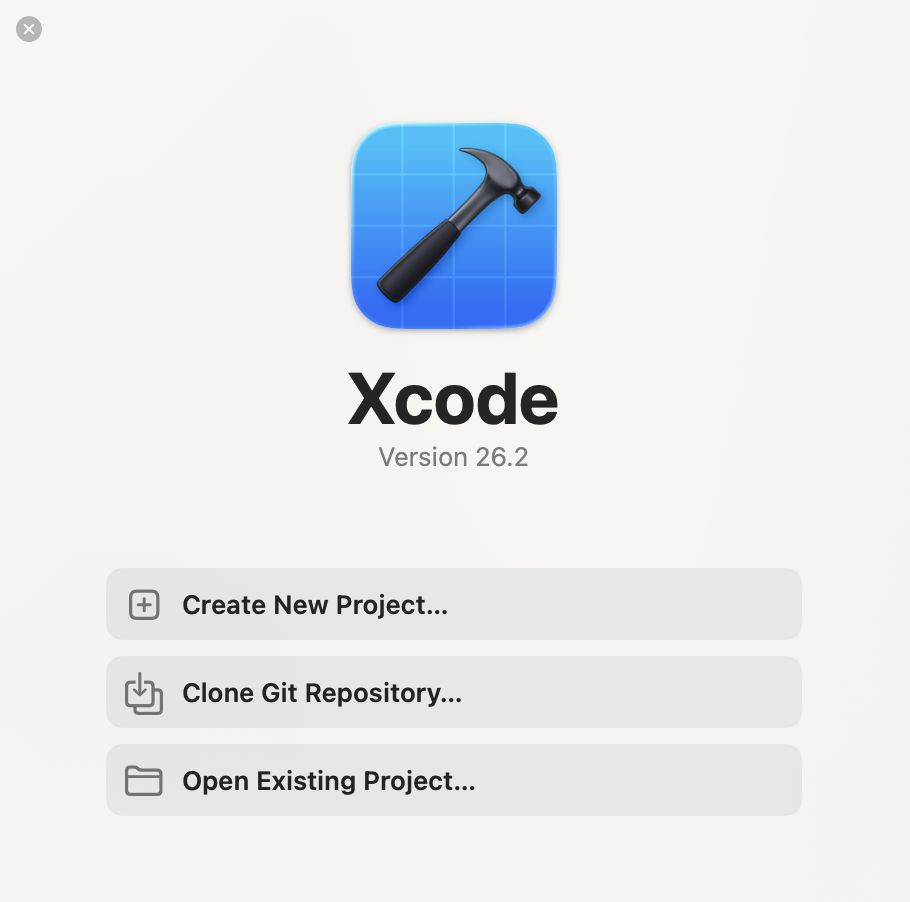
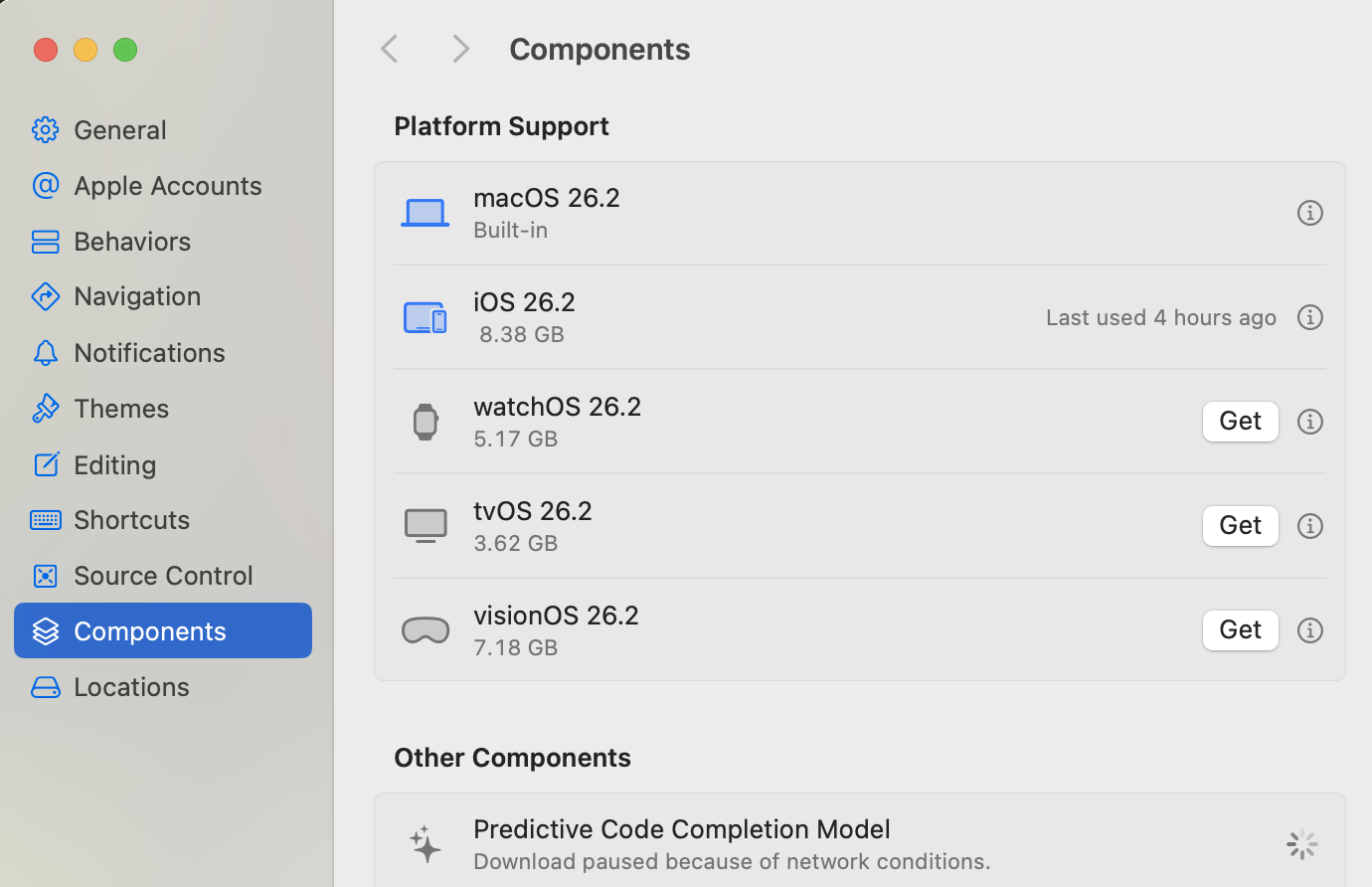
5. Xcode 실행 후 cmd + , 로 Settings → Components → iOS 26.2 옆에 Get 버튼을 눌러 iOS 시뮬레이터 설치
6. 터미널에서 CocoaPods 설치
- CocoaPods : iOS 전용 라이브러리 관리자로 프로젝트 외부 앱 실행, 카메라 등 iOS 네이티브 코드에 접근해야 할 때 담당 라이브러리를 자동으로 다운받고 연결해주는 역할 수행
brew install cocoapods
7. 적용 확인
flutter doctorDoctor summary (to see all details, run flutter doctor -v):
[✓] Flutter (Channel stable, 3.41.1, on macOS 15.7.3 24G419 darwin-arm64, locale ko-KR)
[✗] Android toolchain - develop for Android devices
✗ Unable to locate Android SDK. Install Android Studio from: https://developer.android.com/studio/index.html On first launch it will assist you in installing the Android SDK components. (or visit https://flutter.dev/to/macos-android-setup for detailed instructions). If the Android SDK has been installed to a custom location, please use flutter config --android-sdk to update to that location.
[✓] Xcode - develop for iOS and macOS (Xcode 26.2)
[✓] Chrome - develop for the web
[✓] Connected device (1 available)
[✓] Network resources
위와 같은 결과 나오면 설치 완료
안드로이드 스튜디오 설치
1. 공식 웹사이트에서 안드로이드 스튜디오 설치
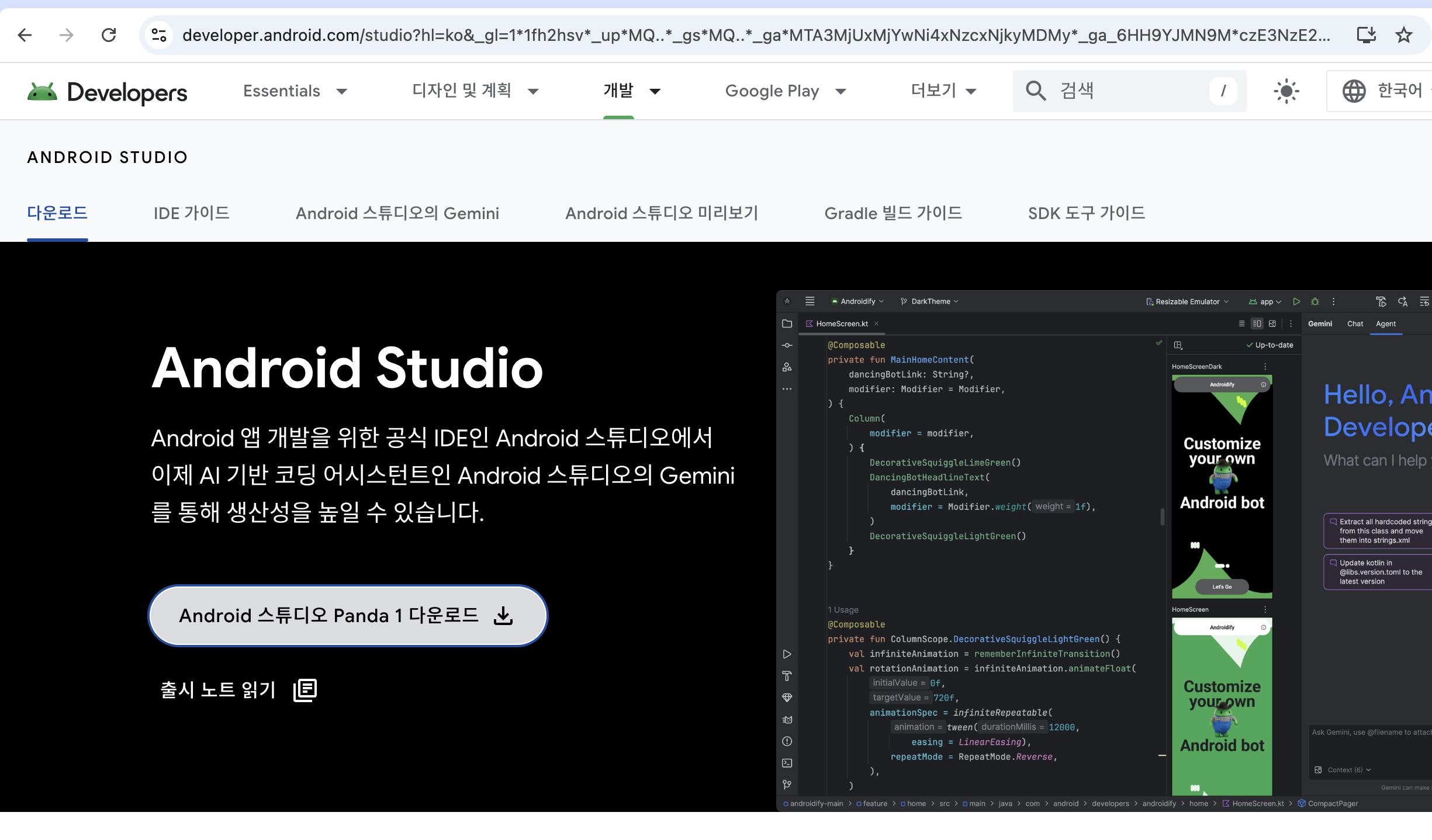
2. Setup Wizard에 체크되어 있는 그대로 설치 진행
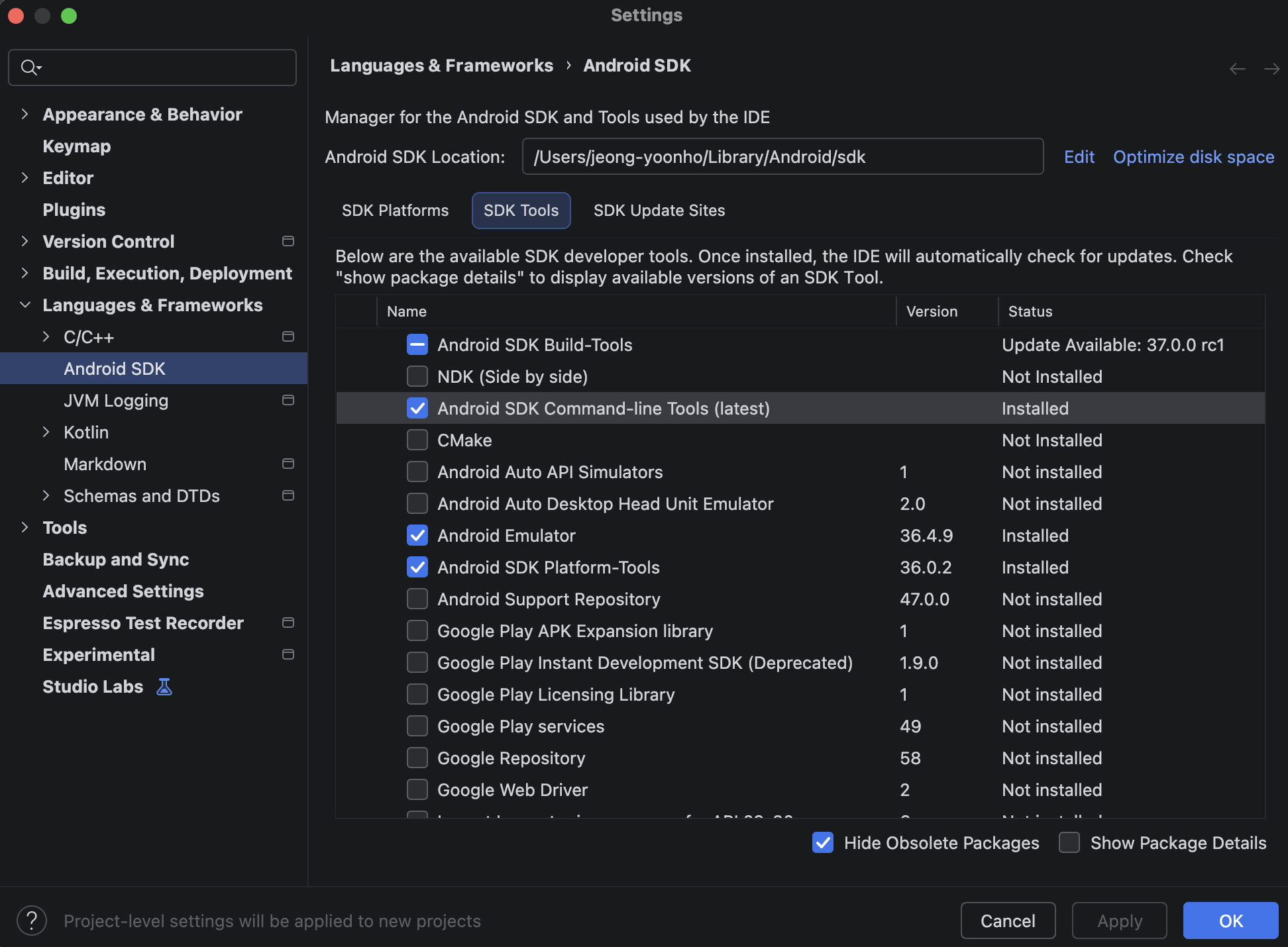
3. Android Studio 실행 후 cmd + , 로 Settings → Languages & Frameworks → Android SDK → SDK Tools → Android SDK Command-line Tools (latest) 적용

4. 라이선스 동의
flutter doctor --android-licenses
이후 나오는 라이선스 끝날 때까지 y 입력
5. 적용 확인
flutter doctorDoctor summary (to see all details, run flutter doctor -v):
[✓] Flutter (Channel stable, 3.41.1, on macOS 15.7.3 24G419 darwin-arm64, locale ko-KR)
[✓] Android toolchain - develop for Android devices (Android SDK version 36.1.0)
[✓] Xcode - develop for iOS and macOS (Xcode 26.2)
[✓] Connected device (2 available)
[✓] Network resources
위와 같은 결과 나오면 설치 완료
에뮬레이터 확인
1. 에뮬레이터 목록 확인
flutter emulators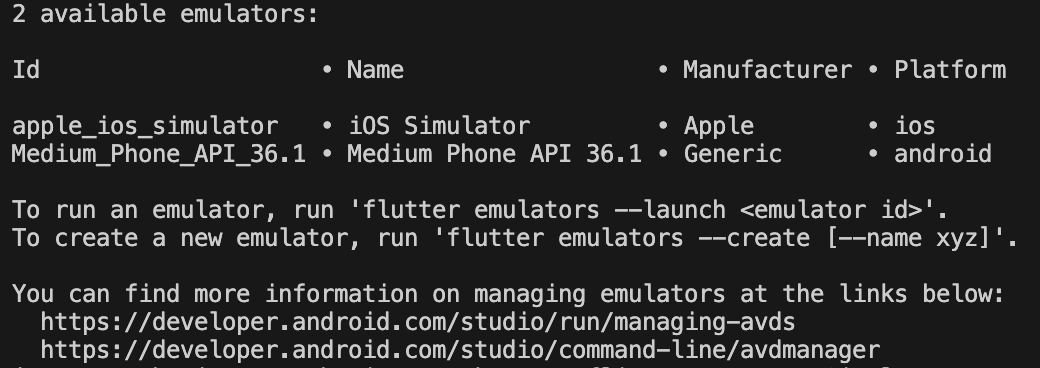
2. ios 시뮬레이터 실행
- 시뮬레이터 : 맥의 자원을 빌려 아이폰의 소프트웨어 동작(UI, 앱 실행 등)을 비슷하게 흉내낸 실행 환경
- 하드웨어 가상화가 없어 속도가 매우 빠르고 가벼우며 실제 아이폰의 동작과 미세한 차이 존재 가능
open -a Simulator
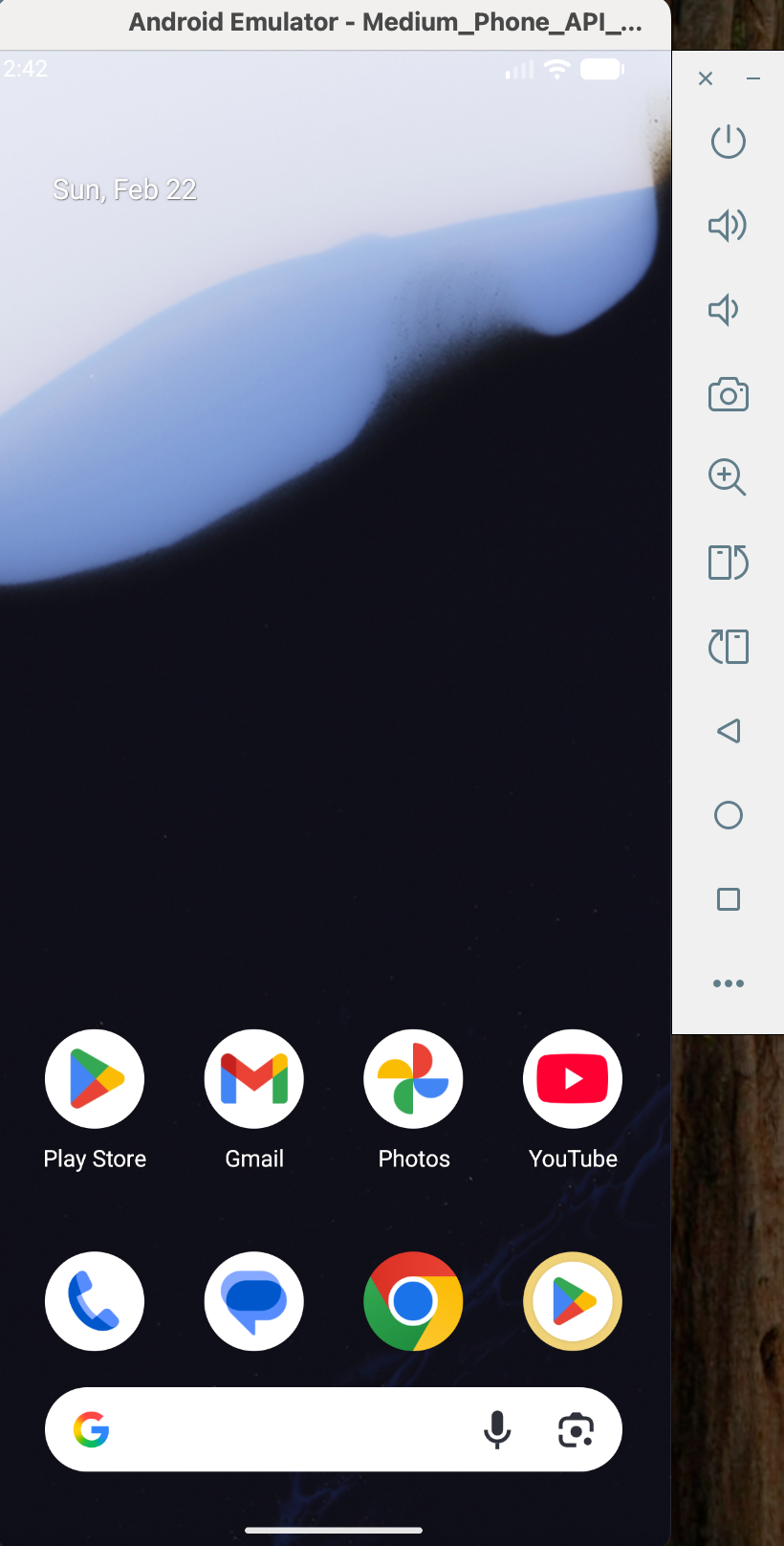
3. Android 에뮬레이터 실행
- 에뮬레이터 : 맥의 자원을 빌려 안드로이드 폰의 하드웨어(CPU, 메모리 등) 전체를 소프트웨어로 구현한 환경
- 완전한 기기를 가상 환경으로 돌리는 것이므로 상당한 자원을 점유하며 실제 기기와 동일하게 동작
flutter emulators --launch Medium_Phone_API_36.1
본격적인 flutter 프로젝트 세팅은 다음 시간에 알아보자.
'dev > app' 카테고리의 다른 글
| flutter - 플러터로 크로스 플랫폼 앱 개발하기(3) (0) | 2026.03.06 |
|---|---|
| flutter - 플러터로 크로스 플랫폼 앱 개발하기(4) (0) | 2026.02.28 |
| flutter - 플러터로 크로스 플랫폼 앱 개발하기(2) (0) | 2026.02.27 |